
1. Download the App
1.1 Downloading the App via Search
- Visit the App Store or Google Play, depending on your device OS.
- Search for ‘’TekXYZ’’ and download the app.

1.2 Downloading the App by Scanning the QR Code
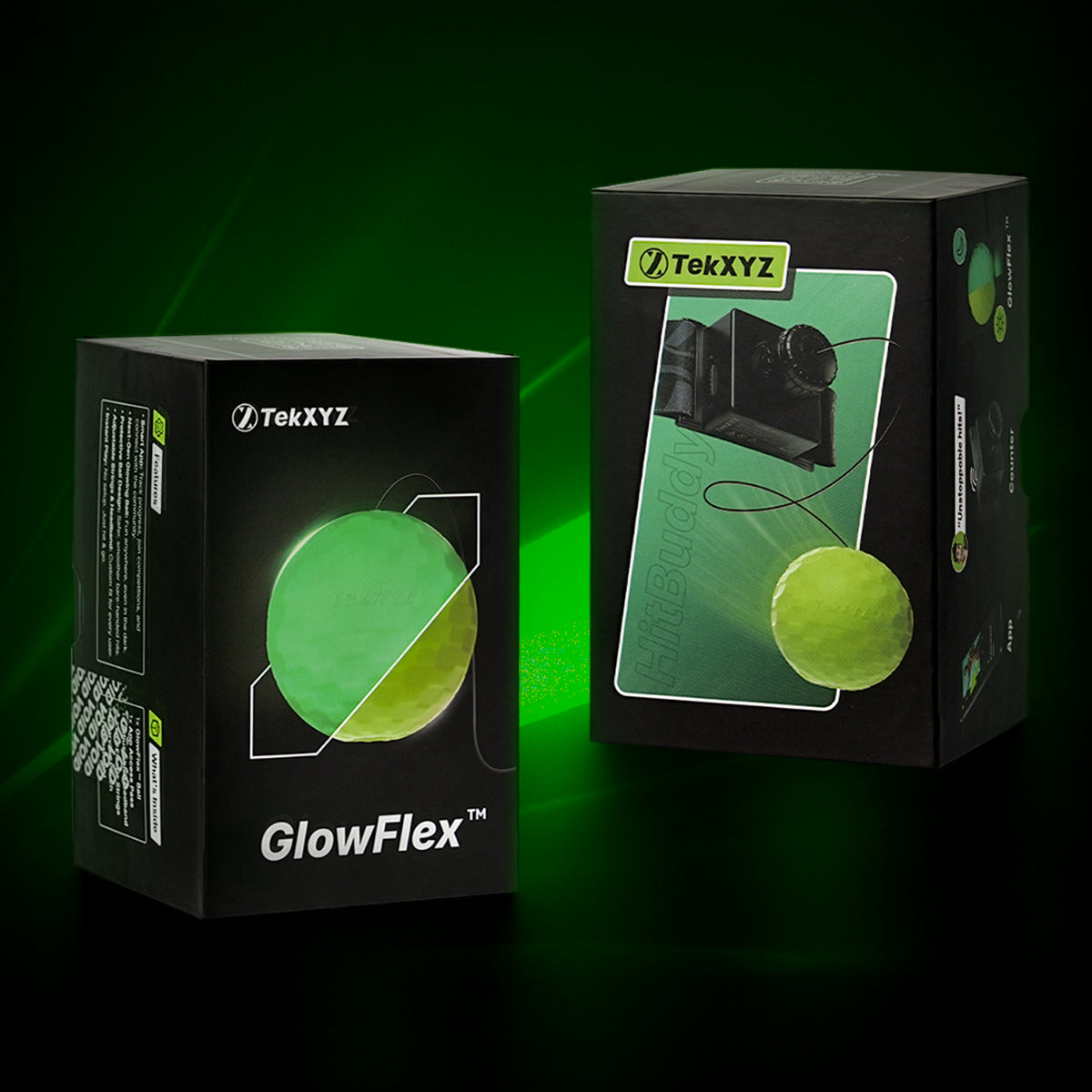
- Scan the QR code on the outside of the Package to download the App.
- Download the app according to your device OS.

2. Sign Up
-
Input all the information required on the sign-up page.
- Verify your email using the code sent to your email address

After you complete sign-up and set up the nickname, the app will automatically take you to the tutorial page. You can watch the tutorial or click Home to visit the homepage.

3. Why Unlocking the Prize Games
- Unlocking the Prize Games allows you to use the app to its full functionality.
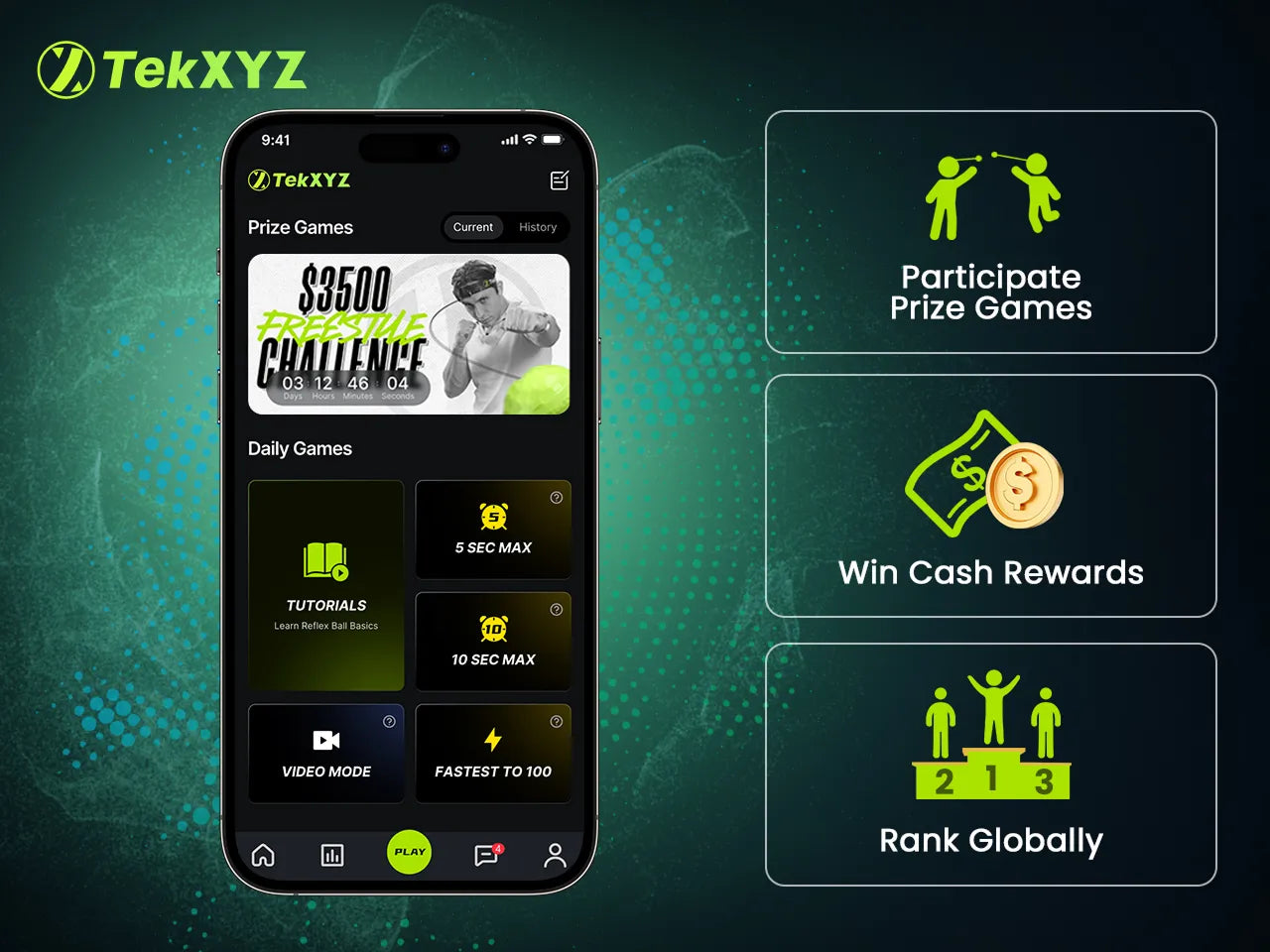
- Unlocking will enable you to participate in Prize Games and access opportunities to win cash prizes & rewards.

4. Unlocking Prize Games
4.1 Unlocking with App Access Pass
- Inside your TekXYZ package, look for the App Access Pass
- The QR code is printed clearly on the card.
- Keep this App Access Pass safe—the QR code is unique to your product.

4.2 How to Unlock Using the App Access Pass
- Once you enter ‘’Home’’ from the ‘’Tutorial Page’’ there will be a pop-up to ask you to Unlock the Prize Games.
- Click Unlock to visit the unlock page.

- Scan the App Access Pass provided inside the box.

- Now you will see a confirmation message, and full features will unlock instantly.
4.3 Unlock Using Order ID (Amazon, Walmart, TikTok)
If there is any issue with the App Access Pass, you still have ways to unlock the Prize Games.
- Swipe left until you find the option to unlock the Prize Games with Order ID or Invitation Code.

4.4 What Is the Order ID and Where to Find It
- Check your order on the platform where you purchased the TekXYZ reflex ball.
- Go to order details and find out the order ID.

4.5 How to Unlock Using the Order ID
- Copy the Order ID, enter it in the field, and press Submit.
- Please wait up to 24 hours while our team verifies your submitted photo and unlocks the Prize Games.

4.6 How to Unlock Using the Invitation Code
- You can unlock the Prize Games with an Invitation Code.
- Select TekXYZ from the options.
- To get an Invitation Code send us an email here: support@tekxyz.com
- After verification, they will provide you with an 8-digit invitation code.
- Copy and paste the Invitation Code and submit it.
- Please wait up to 24 hours while our team verifies the Invitation Code and unlocks the Prize Games.
- Once verified you will get feedback about confirmation.

4.7 Unlock with Photo Verification
If the first two ways fail, you can still unlock the Prize Games by submitting a photo of the Reflex Ball packet or the photo of the reflex ball itself attached with TekXYZ headband.
- Swipe left until you find the option to unlock the Prize Games with the product package or the photo of the TekXYZ reflex ball for manual review.
- Click "Unlock" and select "Take Photo" to capture a photo of the product package or the photo of the reflex ball.

5. Profile Status - License Pending
- While Users opt to unlock with Order ID, Invitation Code, Product Package, it needs a manual approval from the TekXYZ team which usually takes 24 working hours and the profile shows ‘’License Pending’’ status.
- You will be notified with a pop-up feedback once we unlock the Prize Games for you!

6. Need More Help?
If your QR code is damaged or unreadable:
- Contact TekXYZ Support: support@tekxyz.com
- Provide your order ID and a photo of the activation card